

Firewalla Purple → Gold Pro Migration
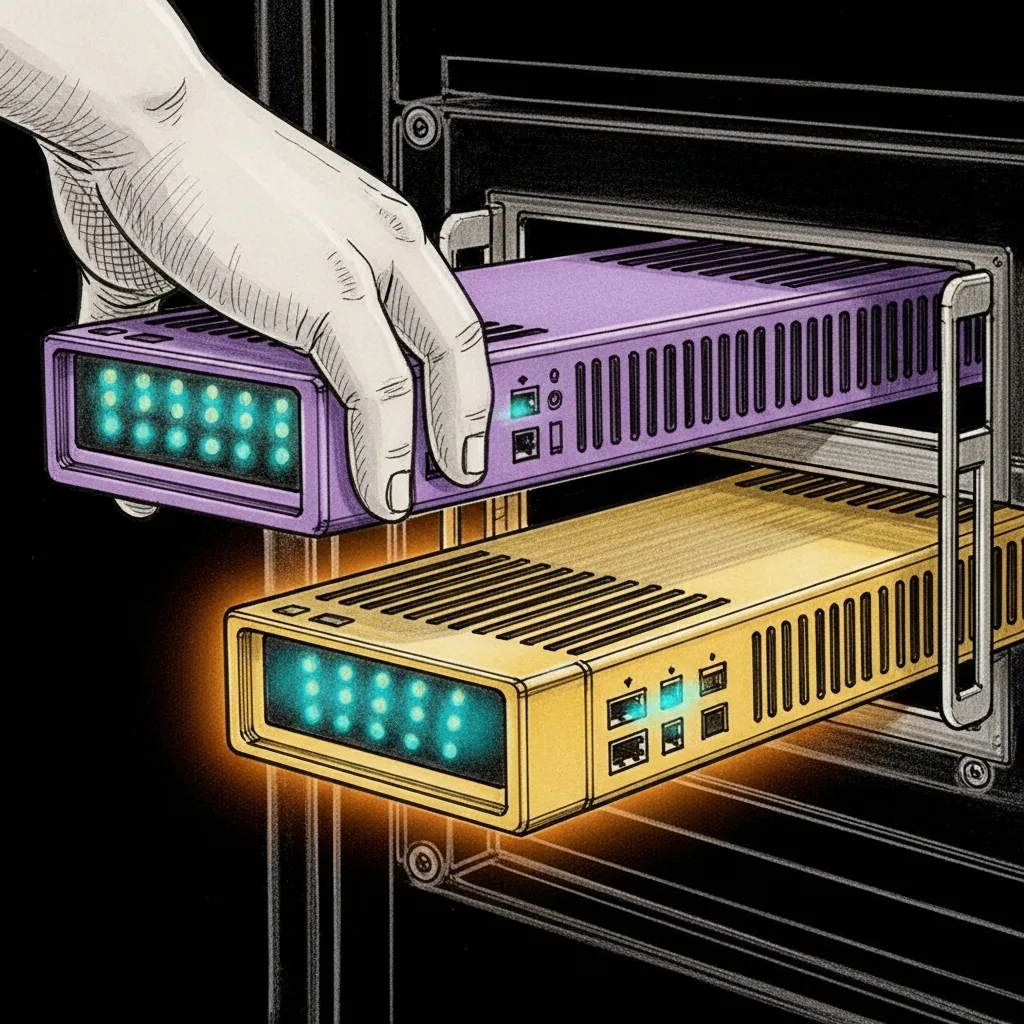
The Purple has guarded this haus for a year and a half. It paused kid phones. It blocked curfew-hour YouTube. It ran every screen-time rule we asked of it, without a reboot we didn’t schedule ourselves. It also spent those months quietly dropping flowsummary bytes — which is why we built an ARP fallback and a drift sentinel to compensate for a router that worked exactly well enough to lie. Tomorrow a Gold Pro arrives with ten times the CPU, four times the RAM, and — if the SDK cooperates — actual per-host flow data. This is the runbook for swapping it in without taking Albert’s bedtime offline for longer than a reboot.
Before the box arrives
Section titled “Before the box arrives”First, photograph what already works. Run the capability probe against the current Purple so we have a baseline to diff against:
> ~/.sanctum/scripts/firewalla-probe/capabilities-purple-baseline.jsonThe baseline lives in the repo as capabilities-purple-baseline.json. It is the answer key. Tomorrow’s Gold Pro run writes capabilities-gold-pro.json, and diff tells us which new connectors the Firewalla bridge can finally support.
Then export the live policy state, so nothing hand-configured in the Firewalla app gets lost:
~/.sanctum/scripts/firewalla-export.sh# Writes ./firewalla-export/$(date +%Y-%m-%d)/ with hosts.json, policies.json,# dns.json, keys.tar.gz, screen-time.db, and the full bridge config.The swap
Section titled “The swap”-
Unbox + physical install. Gold Pro in the same spot the Purple lives, same WAN + LAN ports. Don’t power it yet.
-
Back up the current bridge keys. The SDK authenticates against the box by key pair; the Gold Pro gets a new pair and the old one becomes a paperweight.
Terminal window ssh [email protected] 'tar czf ~/Backups/firewalla-keys-purple-$(date +%Y%m%d).tgz -C ~/.openclaw firewalla/keys' -
Power the Gold Pro. Wait for the Firewalla mobile app to discover it. Pair it (same cloud account, new device). Walk through the firmware update if prompted.
-
Transfer the rule set. The mobile app has a “Transfer from another Firewalla” flow. Use it. Migration preserves host names, device groups, ACLs, DNS policies, and most screen-time rules. Verify by scrolling the device list — 107-ish known MACs should all be there with their existing names.
-
Pull the Gold Pro’s new keys.
The bridge needs the new box’s
etp.public.pem,etp.private.pem, andgroup.json. Copy them off it via the Firewalla app’s “Export to Developer SDK” flow:Terminal window # On the MacBook, then push to the Mini -
Update the bridge’s local IP if it changed. Gold Pro often takes
192.168.1.1; if your old Purple used a different one, update thelocal_ipkey ingroup.json. -
Restart the bridge.
Terminal window Watch for “SDK initialized successfully” in
~/.openclaw/logs/firewalla-bridge.log. If it errors on auth, re-check the key files andgroup.jsonpaths. -
Probe.
Terminal window > ~/.sanctum/scripts/firewalla-probe/capabilities-gold-pro.jsondiff ~/.sanctum/scripts/firewalla-probe/capabilities-purple-baseline.json \~/.sanctum/scripts/firewalla-probe/capabilities-gold-pro.jsonThe diff is the answer to “which connector do we ship next?” See the decision tree below.
-
Run the existing regression gates.
Terminal window tests/test-screen-time-enforcement.sh # 18 PASStests/test-drift-sentinel.sh # 10 PASStests/test-activity-tracking.sh # 10 PASSIf any gate fails, roll back (below) and investigate before proceeding.
What to hope for
Section titled “What to hope for”The diff is a wish list with four possible answers. Each one points at a different connector, and the probe decides which:
| Probe finding | What it means | What we do next |
|---|---|---|
/hosts flowsummary has non-zero bytes | FirewallaBridgeConnector (byte-delta) finally produces data | Enable it; Albert’s daily minutes start accumulating immediately |
/flows returns records | Per-destination data is available | Ship FirewallaFlowConnector — minutes bucket into YouTube / Crunchyroll / Roblox automatically |
/live-stats returns {throughput, activeConn} | Real-time data for the panels | Optional upgrade for the Holocron dashboard’s live view |
| No change vs Purple | SDK is the same on both models | Fall back to DNS-tail or MSP cloud connector |
Rollback
Section titled “Rollback”This is not a one-way door. The Purple is still in the box, and it still has its keys. Restoring is three commands:
# Plug the Purple back in, restore the old keys, restart the bridge tar xzf ~/Backups/firewalla-keys-purple-20260420.tgz -C ~/.openclaw/ launchctl kickstart -k gui/$(id -u)/com.sanctum.firewalla'~/.sanctum/scripts/firewalla-probe/firewalla-sdk-probe.sh [email protected] # should match the baselineScreen-time enforcement, drift-sentinel, and activity tracking all keep working on the Purple. Nothing gets worse by trying.
Why we bothered
Section titled “Why we bothered”The Purple did everything we asked on the enforcement side. The silent-success bug, the ARP fallback, the drift sentinel — all of it exists because the Purple works exactly well enough to fail in interesting ways. The Gold Pro upgrade isn’t about reliability. We fixed that in software. It’s about the data plane. A screen-time system that can tell you a kid has been on the network for four hours is half a system. The other half is knowing, per minute, which of those hours was Crunchyroll and which was Roblox. The Gold Pro promises that half.
Whether it keeps the promise is an empirical question. The probe is the experiment. Until it runs, the Gold Pro is just a better-looking box that does exactly what the last one did.