

HA Green Setup
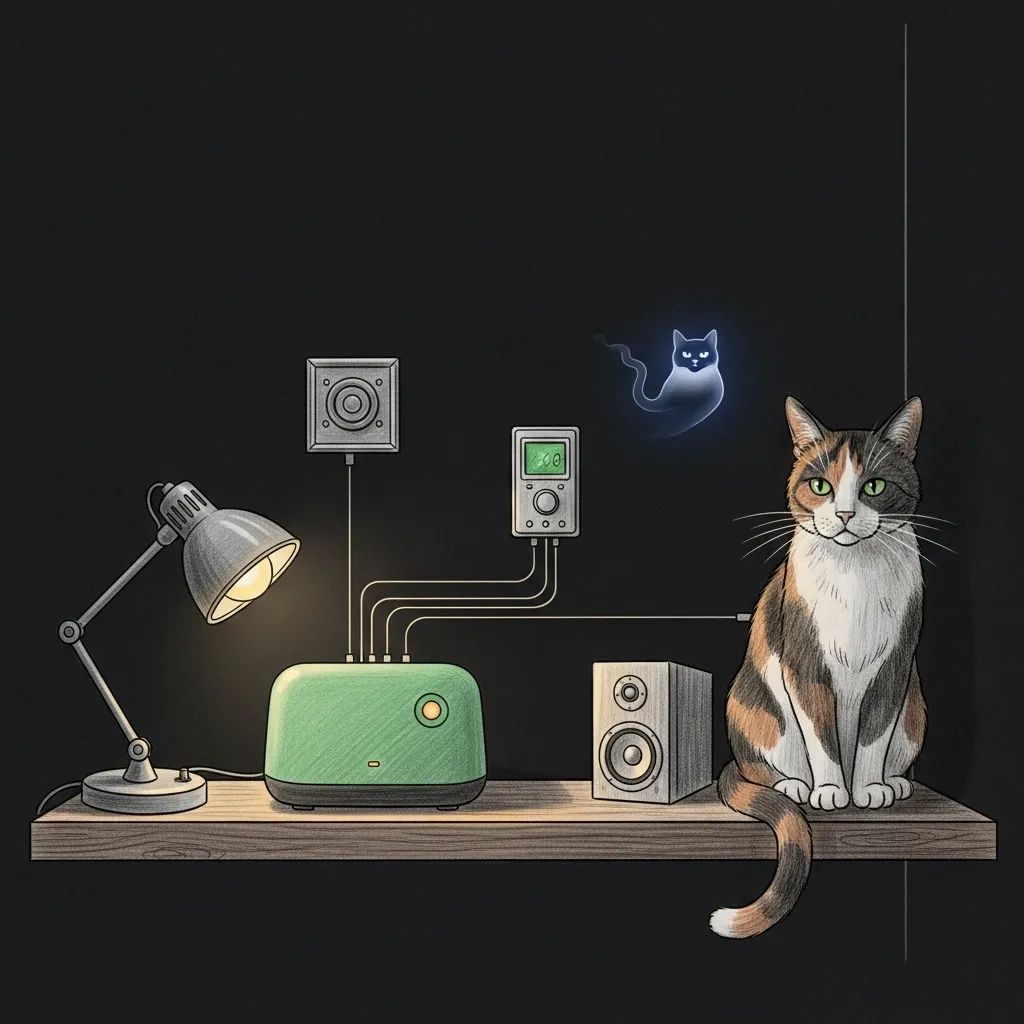
Curfew lands at 21:00. The living-room lamps fade down, a Sonos speaker clears its throat with the ten-minute warning, and somewhere upstairs a kid groans. None of that was Sanctum. Sanctum only gave the order — the small green box on the shelf is what actually moved.
That box is the Home Assistant Green, and this page connects it. Sanctum is the brain; the Green is the hands. It flips your lights, nudges the thermostat, fires the Sonos announcement when curfew hits, and gives screen-time enforcement somewhere to bite. Sanctum decides. The Green does.
It is a dedicated, sealed HAOS appliance — not a Raspberry Pi science project, not a Docker container you babysit. On 2026-06-28 it took over from the old Docker-on-Mini Home Assistant for exactly that reason: a control plane this load-bearing should not share a box with anything else. Plug it in, and it just runs.
What you’re connecting
Section titled “What you’re connecting”The Green shows up on your haus network at homeassistant.local:8123 — or at its LAN address, the canonical haus default being 10.0.0.3, a fixed reservation pinned next to the gateway and the Mini. It sits inside the flat topology you built during Single-NAT Setup, and it is deliberately locked down. That is a feature, not a shortcoming:
- No host SSH, no Samba. The front door is closed.
- Sanctum talks to it with an owner token, not a password, kept at
~/.sanctum/secrets/ha-token. - The heavy operations — add-ons, backups — ride a WebSocket, and the admin pages open through a browser with that same token. That is the sealed-appliance way in.
You never have to know any of that. Sanctum’s ha-green-toolkit already does. It is also why the Green is hard to break: there is almost no surface left to break.
Get it on the haus
Section titled “Get it on the haus”-
Plug it into the Orbi network. Power and ethernet into the mesh. It boots HAOS and grabs an address — give it a couple of minutes on first boot.
-
Open it once. Browse to
http://homeassistant.local:8123and finish the Home Assistant owner setup: your account, your location, your name. -
Mint the owner token. In Home Assistant, go to your profile, then Security, then Long-Lived Access Tokens, and create one. Drop it at
~/.sanctum/secrets/ha-token(mode 600). That single token is the key Sanctum uses for everything. -
Confirm Sanctum sees it.
hag-status.shgives you the whole Green at a glance — health, add-ons, remote-access state, green-or-red.
Reach it from away — privately
Section titled “Reach it from away — privately”You want the lights from the cabin, not a port forward aimed at the whole internet. The Green joins your tailnet as its own node through the Tailscale add-on: tailnet-only, WireGuard-encrypted end to end, zero public exposure. When we put the choice to the Jedi council, Tailscale beat a public tunnel four-to-one — for precisely that reason.
# one-time, from the Minihag-remote.sh setupIt prints a login.tailscale.com URL. You authorize it with your own MFA-protected Tailscale account — that interactive login is the security root, and it is the one step nobody can do for you. After that, Home Assistant lives at http://homeassistant.<your-tailnet>.ts.net:8123, reachable from any device on your tailnet and absolutely nothing else. Plain HTTP is fine here: every byte already rides inside the WireGuard tunnel.
A Mini subnet-route to 10.0.0.3/32 is the recovery path if the add-on ever wedges. It takes a one-time console route-approval, and then it is your back door in.
Day to day
Section titled “Day to day”You mostly never touch it — that is the idea. When you do, the toolkit is the systematic way in, the same one Sanctum uses:
| Command | What it does |
|---|---|
hag-status.sh | Health and remote-access at a glance |
hag-remote.sh status | Is the tailnet path up? |
hag-addon.sh list | Add-ons, over the WebSocket Supervisor |
hag-backup.sh create | Snapshot before you change anything |
The Green is the one piece of haus hardware that is allowed to be boring. Everything dramatic happens elsewhere — the alerts, the curfews, the council votes. Here, a lamp dims on time and nobody notices. Sanctum keeps the lights on; the Green is where “the lights” actually live.
Related
Section titled “Related”- Firewalla Pairing — the network appliance you paired just before this one
- Single-NAT Setup — the network topology the Green sits inside
- First Run — verifying the Sanctum install the Green plugs into