

Troubleshooting
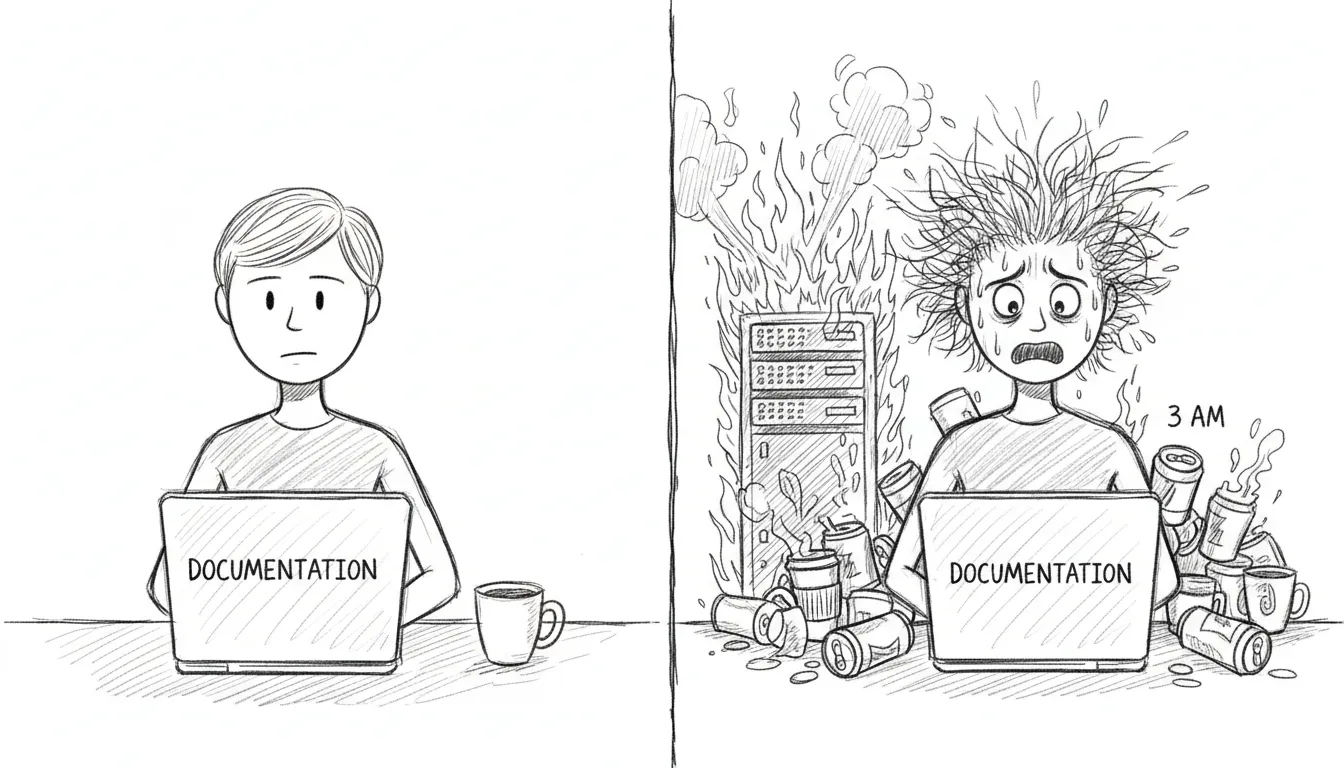
If you’re reading this, something has gone wrong. We’re not going to sugarcoat that. But most things that break here have broken before. Someone stayed up until each one made sense, then wrote the fix down on this page — which means you’re already in better shape than they were, the first time this problem surfaced at 2 AM with nothing but man launchctl and a growing sense of dread.
VM Unreachable
Section titled “VM Unreachable”Symptom: SSH to VM times out, dashboard shows VM as down.
The VM lives in a sealed room with one door. If you can’t reach it, either the room is gone or the door is locked.
Check:
- Is QEMU running?
pgrep -f qemu-system - Is bridge100 configured?
ifconfig bridge100 - Can you ping the VM?
ping 10.10.10.10
Fix:
# Restart VM autostart (QEMU headless) (reconfigures bridge100)launchctl bootout gui/$(id -u)/com.sanctum.vm-autostartlaunchctl bootstrap gui/$(id -u) ~/Library/LaunchAgents/com.sanctum.vm-autostart.plistService Down
Section titled “Service Down”Symptom: Health check shows a service as failed.
Quick fix:
bash ~/Projects/openclaw-skills/service-doctor/scripts/service-doctor.sh --fixThe service doctor knows how to restart most things. If it can’t fix the problem, it will at least tell you what’s wrong in language more helpful than a cryptic exit code.
LaunchAgent Not Loading
Section titled “LaunchAgent Not Loading”Symptom: launchctl list <label> returns “Could not find service.”
A plist that isn’t loaded is just an XML file sitting in a directory, dreaming of being useful.
Fix:
launchctl bootstrap gui/$(id -u) ~/Library/LaunchAgents/<label>.plistCheck plist validity:
plutil -lint ~/Library/LaunchAgents/<label>.plistExpired Token (401 Unauthorized)
Section titled “Expired Token (401 Unauthorized)”Symptom: Gateway logs show 401 Unauthorized.
A token has died of old age. This happens monthly if rotation didn’t run, or immediately if you rotated manually and forgot to propagate the new token somewhere.
Fix: Rotate the affected token:
bash ~/Backups/rotate-secrets.shOr for just the gateway token:
openclaw setup-tokenClaude Code Says invalid x-api-key
Section titled “Claude Code Says invalid x-api-key”Symptom: Claude Code retries forever with:
401 {"type":"error","error":{"type":"authentication_error","message":"invalid x-api-key"}}This is the specific failure mode for the Claude Team token path routed through the Sanctum Proxy. The usual cause is not that Claude Code itself is logged out. The usual cause is that the proxy’s Keychain copy of the Anthropic token is stale, invalid, or both.
What changed: Sanctum now wraps the local claude entrypoint with a startup preflight:
tools/claude_session_preflight.shtools/refresh_claude_team_token.sh~/.local/bin/claude-wrapper
On every claude launch, the wrapper checks the Claude Team token state before starting the real binary. If the token is invalid, it starts the refresh flow automatically, opens the correct Claude Team OAuth page in your default browser, syncs the refreshed token into the Keychain entry anthropic-api-key, and restarts com.sanctum.proxy.
Check the current state:
bash ~/Documents/Claude_Code/tools/refresh_claude_team_token.sh --statusExpected healthy output:
Auth profile validity: validKeychain validity: validSync state: in syncIf the tokens are in sync but both invalid, congratulations: the machine is being consistently wrong.
Force the refresh manually:
bash ~/Documents/Claude_Code/tools/refresh_claude_team_token.sh --refreshWhat this does:
- Runs
claude setup-token - Opens the Claude Team auth URL in your default browser
- Prompts for the returned code in the same terminal session
- Falls back to the
agent-browserpath only when you explicitly opt into browser automation - Reads the refreshed token from
~/.openclaw/agents/main/agent/auth-profiles.json - Writes it to macOS Keychain under account
sanctum, serviceanthropic-api-key - Restarts
com.sanctum.proxy
Test the machinery without Anthropic in the loop:
bash ~/Documents/Claude_Code/tests/test-claude-team-refresh-e2e.shThat harness replaces the real identity provider with a local file:// page, runs the same refresh script with a fake setup-token binary, and verifies token sync plus proxy restart end to end. It is the difference between “I think the plumbing works” and “the plumbing just passed with receipts.”
If startup preflight itself needs to be reinstalled:
bash ~/Documents/Claude_Code/tools/install_claude_wrapper.shThat recreates ~/.local/bin/claude-wrapper and repoints ~/.local/bin/claude at it. The wrapper resolves the latest Claude binary from ~/.local/share/claude/versions/ at runtime, so upgrades do not require hand-editing a versioned path like an animal.
Config Changes Not Taking Effect
Section titled “Config Changes Not Taking Effect”The JSON cache may be stale. The shell and TypeScript libraries read from .instance.json, not directly from instance.yaml. If you edited the YAML, the cache needs to catch up.
Force regeneration:
touch ~/.sanctum/instance.yaml# Next config read will regenerate the cacheDashboard Not Loading
Section titled “Dashboard Not Loading”- Check if the backend is running:
curl http://localhost:1111/api/health/status - Check the LaunchAgent:
launchctl list com.sanctum.dashboard - Check port 1111:
lsof -i :1111
If port 1111 is occupied by something that isn’t the dashboard, you’ve found your problem. Kill the interloper, reload the LaunchAgent, and carry on.
If the browser dashboard is fine but the packaged desktop shell is black, that is a different class of failure. See Holocron App for the renderer-specific failure mode that previously involved the app politely killing itself.
Watchdog False Alarms
Section titled “Watchdog False Alarms”If the watchdog keeps alerting for a known-down service — one you’ve intentionally stopped, or one that’s in maintenance — the deduplication state may need clearing.
# Check dedup statecat ~/.sanctum/.watchdog-state
# Clear state to reset deduprm ~/.sanctum/.watchdog-state
The watchdog will rebuild its state file on the next run. This is harmless. The worst that happens is you get one extra notification cycle before dedup kicks back in.
Specialized failure modes
Section titled “Specialized failure modes”When the failure has nothing to do with the universal scenarios above and everything to do with one specific service insisting on its own brand of misbehaviour, the deeper write-ups live in dedicated annexes:
- Service Troubleshooting — the VM-to-local-model bridge drifting silently, the MLX/sanctum-idle port-1337 turf war, the proxy losing its API keys whenever someone restarts it by hand, fallback chains that dead-end into themselves, and the Holocron app’s tendency to launch as a black rectangle whenever it’s annoyed.
- Signal Troubleshooting — the JSON-RPC port that returns 404 to REST calls (different protocol, same hostname, no apologies), Docker Compose’s habit of remembering containers that no longer exist, and the WebSocket war Signal Desktop wins every time it’s running on the same machine.
None of these annexes are cheerful reading. Every one of them exists because the failure happened once, someone lost an evening to it, and turned that evening into six paragraphs so you wouldn’t have to lose yours. That is the whole arrangement here: the haus breaks, we take notes, and each 3 AM is a little shorter than the last. When the fix is a service that just needs restarting, the service doctor usually gets there before you do. The rest of us are still working on it.