

LaunchAgents & LaunchDaemons
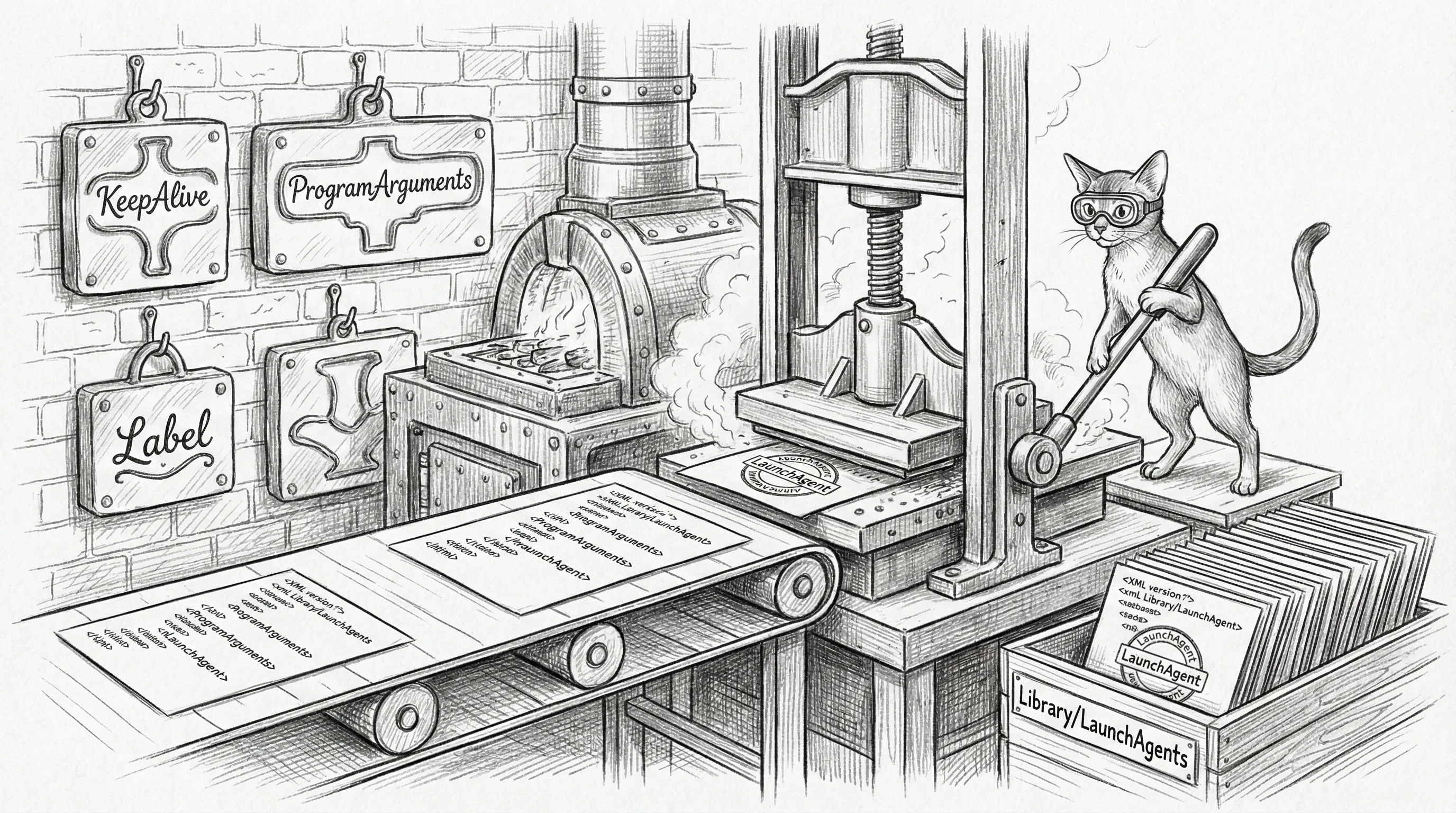
Sanctum manages a set of macOS LaunchAgents (user-level) and LaunchDaemons (root-level) that form the boot chain for the haus intelligence platform. Each plist is rendered from templates at ~/.sanctum/templates/launchagents/ by the generate-plists.sh script, which pulls values from instance.yaml and tokens from the macOS Keychain.
You might wonder why these aren’t written in a friendlier format. The answer is that Apple chose XML for process management configuration in 2005 and has been politely pretending that was fine ever since. The template system exists so you never have to touch raw plist XML. You’re welcome.
Boot Chain Overview
Section titled “Boot Chain Overview”LaunchAgents are loaded at user login. The ordering below reflects the logical dependency chain — launchd does not guarantee ordering, but RunAtLoad: true ensures all agents start promptly after login.
In practice, everything starts within seconds of each other and sorts itself out. It’s less of a chain and more of a stampede in roughly the right direction.
LaunchAgents
Section titled “LaunchAgents”Every Sanctum-managed user-level agent worth knowing has its own paragraph in the LaunchAgent Catalog — grouped by role (Core Infrastructure, AI & Voice, Network & Tunnels, System & Maintenance), each with port, KeepAlive setting, purpose, and the specific 3 AM incident that earned the paragraph. Twenty-three entries is a lot to scroll past on the way to a config tweak, so the catalog gets its own room.
The catalogued labels all live in ~/Library/LaunchAgents/, all
follow the com.sanctum.* namespace, and all load at user-session
start via launchctl bootstrap gui/$(id -u). The documented core also
renders from templates at ~/.sanctum/templates/launchagents/ —
twenty-two templates today, against a long tail of hand-rolled and
one-off plists that the generator has never met. The convention is the
only thing standing between the haus and a screenful of little XML
islands all doing roughly the same thing slightly differently.
LaunchDaemons
Section titled “LaunchDaemons”Everything above runs as your user. Everything below runs as root. Sanctum runs a fistful of root daemons — proxyd, force-flow, firewalla, castellan, watchdog-rust, vmnet, pfctl, bootstrap — but the only one that earns a paragraph here exists because of a number: 80. The lowest-numbered privilege escalation in the history of haus automation. The rest are documented where they belong.
com.sanctum.dench-proxy
Section titled “com.sanctum.dench-proxy”| Property | Value |
|---|---|
| Label | com.sanctum.dench-proxy |
| Purpose | Reverse proxy from port 80 to 19001 (the Holocron dashboard); hostnames starting force or flow route to 4077 (Force Flow) instead |
| Required Service | command-center |
| KeepAlive | Yes |
| RunAtLoad | Yes |
| Runs as | root |
This is a LaunchDaemon (not a LaunchAgent) because binding to port 80 requires root privileges. It enables http://holocron/ access from the LAN without specifying a port. Unlike the agents above, it has no template — ~/.sanctum/scripts/dench-proxy.js is hand-maintained Node, and the plist is checked in by hand.
Plist location: /Library/LaunchDaemons/com.sanctum.dench-proxy.plist
The entire reason this runs as root is so family members can type holocron into a browser instead of holocron:19001. Usability has a cost. That cost is sudo.
Plist Generation
Section titled “Plist Generation”All plists are rendered from Mustache-style templates using values from instance.yaml and tokens from the macOS Keychain:
# Preview what would be generated (dry run)~/.sanctum/generate-plists.sh --dry-run
# Generate and install all plists for enabled services~/.sanctum/generate-plists.sh
The generator:
- Reads each template from
~/.sanctum/templates/launchagents/ - Checks if the corresponding service is enabled in
instance.yaml - Expands
{{PLACEHOLDER}}tokens with config values - Pulls secrets from the macOS Keychain using the configured
keychain_account - Writes the rendered plist to
~/Library/LaunchAgents/
The generator only manages user agents — it never writes to /Library/LaunchDaemons/. The one daemon on this page, dench-proxy, is hand-maintained for exactly that reason.
Managing Agents
Section titled “Managing Agents”Load or unload agents using launchctl:
# Load an agentlaunchctl bootstrap gui/$(id -u) ~/Library/LaunchAgents/com.sanctum.memory-vault.plist
# Unload an agentlaunchctl bootout gui/$(id -u) ~/Library/LaunchAgents/com.sanctum.memory-vault.plist
# Check if an agent is runninglaunchctl print gui/$(id -u)/com.sanctum.memory-vault