

Diagnosing Your Network
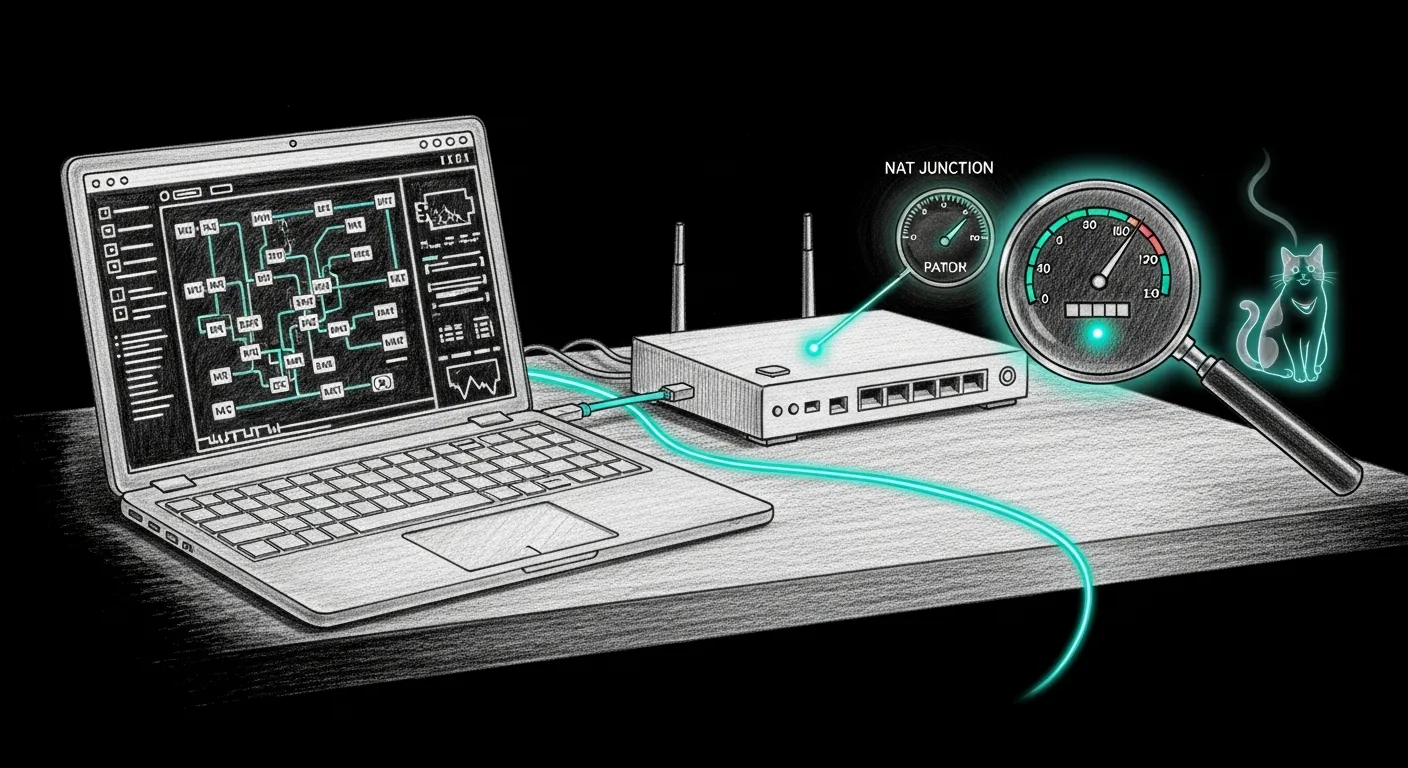
Your network is almost certainly fine. The tools you used to check it probably are not. A speed test lies, an ISP app names the wrong suspect, and a topology you didn’t choose quietly costs you nothing — or quietly breaks port-forwarding for the one service you actually wanted to reach. Sanctum ships net commands that diagnose all of this honestly. Start with the daily surface, then go deeper only when the pane says so.
Everything here is in the CLI reference. This page is the newcomer’s walkthrough.
Daily: is the haus online and protected?
Section titled “Daily: is the haus online and protected?”sanctum net homeOne pane — Internet (CDN + control TLS), WAN path, CDN/MSS guard, armor, hub reachability — and a safe improve that only re-asserts the Firewalla MSS clamp. It never flips WAN mode. Full walkthrough: Home Network.
Is my network double-NATed?
Section titled “Is my network double-NATed?”Start read-only. sanctum net check never changes anything — it works out whether your traffic passes through one router or two, names your ISP, and shows the reasoning.
sanctum net checkIt prints the NAT topology (single, double, or unknown), the ISP and gateway it found, and one line of why. Double-NAT means your own router sits behind the ISP’s hub, both doing address translation. It usually does no harm to speed — but it complicates port-forwarding, VPN inbound, and anything that needs a stable public address. If check says you’re already single-NAT, you are done; close the terminal.
Optimize — single-NAT, with the honest caveats
Section titled “Optimize — single-NAT, with the honest caveats”If check found double-NAT and you want your own router holding the public IP, sanctum net optimize is the guided path. It is opt-in and reversible: it snapshots a rollback baseline before anything changes, warns you the cutover briefly drops your internet, and follows a playbook tailored to your ISP.
-
Dry-read the plan.
sanctum net optimize --plan-onlyprints the ISP-specific steps and stops — no snapshot, no prompt, no changes. Read it before you commit. -
Be at the box. This drops the link mid-cutover. Run it physically next to the router, not over SSH from a café. The wizard asks;
--yesskips the question if you already know. -
Run the steps, then let it verify. It captures a rollback snapshot, you do the steps, and it probes the result — reporting
VERIFIED, orAPIPA_ROLLBACK(the box fell back to a self-assigned169.254.x.xaddress; the change failed and it prints the rollback commands), or an inconclusive note.
Speedtest — why your 8-gig line “tests slow”
Section titled “Speedtest — why your 8-gig line “tests slow””The most common network complaint is a multi-gig line that benchmarks at a fraction of the plan. The line is usually fine. The test is the bottleneck. sanctum net speedtest is the honest doctor: it runs a multi-stream test, reads the link speed of every hop it can see, and names the real ceiling.
sanctum net speedtestsanctum net speedtest --streams 16 # more parallel streams on a very fast linesanctum net speedtest --no-test # ceiling audit only, no live downloadsanctum net speedtest --json # machine-readable reportIt walks your NIC, whether you’re on Wi-Fi or wired, and the Firewalla’s WAN/LAN ports when reachable — then runs a bounded parallel download and interprets the gap. The artifacts it exposes:
- Single-stream cap. One TCP stream stalls near 1-2 Gbps no matter how fast the line is. When parallel streams fly, the single number was the lie — trust the multi-stream figure.
- Wi-Fi. Wi-Fi caps you around 1-2 Gbps regardless of the fibre behind it. Go wired and re-test, or you are measuring the air.
- Port artifacts. A 1G switch or a 2.5G NIC anywhere in the chain is your ceiling; no line upgrade moves it. The doctor names the slow hop.
- NAT, again. Single- vs double-NAT changes throughput by zero. Do not chase your topology to go faster — that ghost has wasted more evenings than any real bug.
Deeper reading
Section titled “Deeper reading”The two field notes below are the postmortems these commands were built from — they are where the doctrine came from, written the night each lesson was earned.
- The Slash-One That Ate the LAN — the
/1netmask and the 1492 MTU black-hole, two bugs in one trenchcoat. - The Speed Test That Cried Slow — three lies a speed test tells, and the test that tells the truth.
Run sanctum net check first, believe the reasoning line over the verdict, and stay off optimize until the pane tells you to reach for it. Most nights, that is the whole job: the haus was online the entire time, the fibre was carrying every bit it promised, and the only thing that needed fixing was the tool doing the accusing. Qui-Gon, who watches the infra, will tell you the same thing in fewer words. He would just close the terminal.