

Signal Troubleshooting
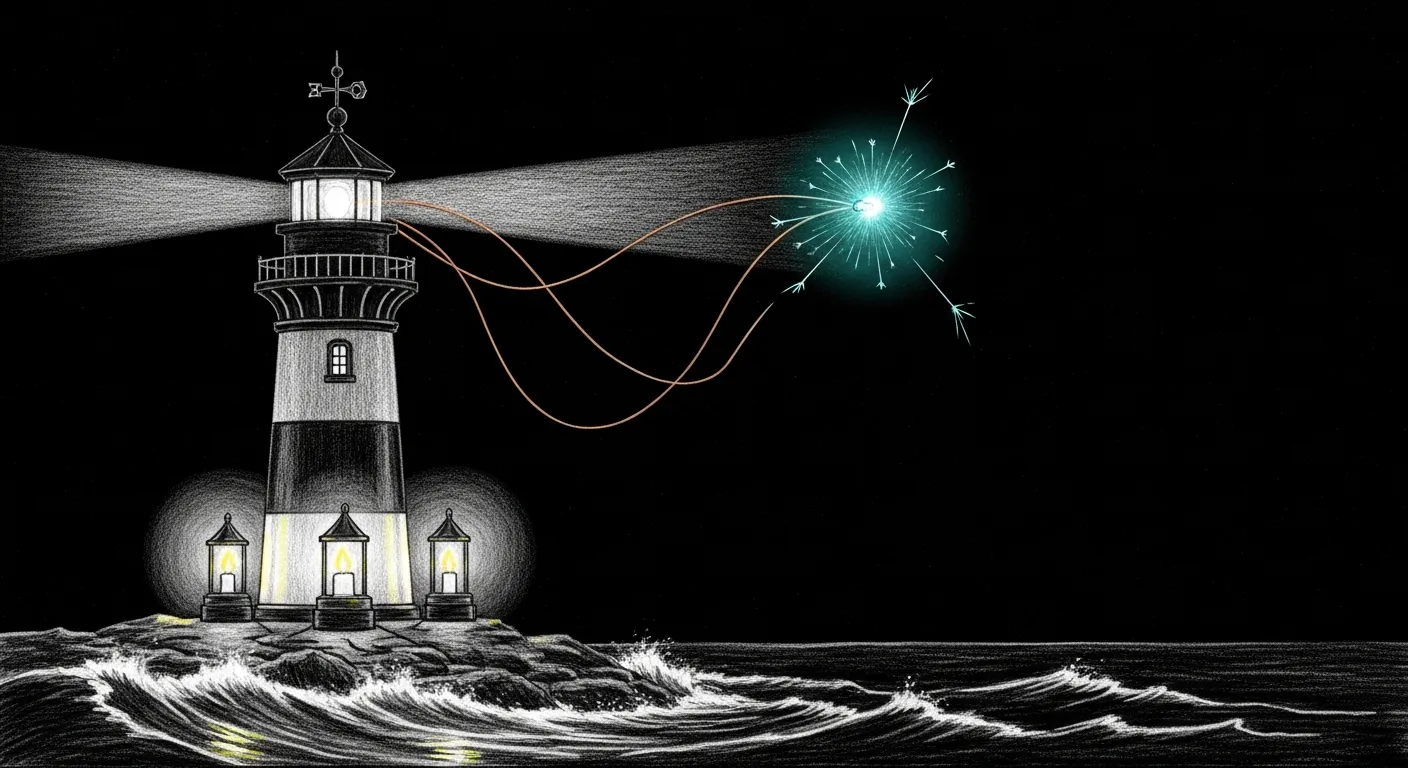
You curl a port with “signal” in its name, ask it something reasonable, and it answers 404 Not Found. The daemon is not down. You reached one of three services, and you spoke the wrong dialect to it.
That collision is not a bug you introduced — it is an inheritance. The signal-cli project never expected anyone to run its CLI beside Signal’s Electron app beside a Docker wrapper of its own daemon, three services wearing the word “signal” on three ports speaking three protocols, all fighting over the same account. Three failure modes fall out of that arrangement, and they recur. When Yoda goes quiet on Signal, it is almost always one of these three. This annex collects them so the main Troubleshooting page can stay short.
Signal CLI REST API Returns 404
Section titled “Signal CLI REST API Returns 404”Symptom: curl http://127.0.0.1:8080/v1/about returns 404 Not Found with No context found for request. All REST-style paths (/v1/about, /api/v1/accounts, /v2/send) return 404.
Root cause: You’re hitting port 8080, which runs the native signal-cli --http mode. The native mode only speaks JSON-RPC at a single endpoint (POST /api/v1/rpc). It does not serve REST endpoints at all. Those live on the Docker wrapper containers on ports 18081 and 18082.
This is not a misconfiguration. It is three different services that all have “signal-cli” in their name but serve different protocols on different ports. See the Signal CLI API Reference for the full breakdown.
Quick fix:
# If you want REST endpoints, use port 18081 or 18082curl -s http://127.0.0.1:18081/v1/about
# If you want to use port 8080, speak JSON-RPCcurl -s -X POST -H "Content-Type: application/json" \  -d '{"jsonrpc":"2.0","method":"version","id":1}' \  http://127.0.0.1:8080/api/v1/rpc
If the Docker containers are down:
# Check container statusdocker ps --filter name=signal --format '{{.Names}} {{.Status}}'
# Restart both containerscd ~/.openclaw/signal-cli && docker compose up -dsignal-yoda Container Won’t Start (Docker Compose Stale Reference)
Section titled “signal-yoda Container Won’t Start (Docker Compose Stale Reference)”Symptom: docker compose up -d fails with Error response from daemon: No such container: <hash>. The signal-yoda container shows as “Created” but with a mangled name like 8ad7a58e84ff_signal-yoda.
Root cause: Docker Compose v5 has a bug where it caches a reference to a previous container ID in its project state. When that container gets removed outside of compose (crash, manual docker rm, system restart), compose tries to “Recreate” a container that no longer exists and enters an unrecoverable loop.
Fix:
# 1. Stop and remove all signal containers manuallydocker stop $(docker ps -q --filter name=signal) 2>/dev/nulldocker rm $(docker ps -aq --filter name=signal) 2>/dev/nulldocker rm $(docker ps -aq --filter name=yoda) 2>/dev/null
# 2. Recreate the rest-api container via compose (this one usually works)cd ~/.openclaw/signal-clidocker compose up -d signal-cli-rest-api
# 3. Create the yoda container manually with correct namedocker run -d \  --name signal-yoda \  --restart unless-stopped \  -e MODE=json-rpc \  -p 127.0.0.1:18082:8080 \  -p 127.0.0.1:6002:6001 \  -v ~/.openclaw/signal-cli/data-yoda:/home/.local/share/signal-cli \  bbernhard/signal-cli-rest-api:latest
# 4. Verify both are healthysleep 15 && docker ps --filter name=signal --format '{{.Names}} {{.Status}}'Signal Desktop Stealing WebSocket (ConnectedElsewhereException)
Section titled “Signal Desktop Stealing WebSocket (ConnectedElsewhereException)”Symptom: Yoda stops receiving Signal messages. signal-cli logs show ConnectedElsewhereException in an infinite reconnection loop. Messages sent to +15555550100 are delivered to Signal Desktop instead of signal-cli/OpenClaw.
Root cause: Signal only allows one active WebSocket connection per account. Signal Desktop (the Electron app) and signal-cli both try to maintain a persistent WebSocket to Signal’s servers for +15555550100. When Signal Desktop is running, it wins the connection race and signal-cli gets kicked off with ConnectedElsewhereException every time it tries to reconnect. This creates an infinite loop: connect → kicked → reconnect → kicked.
OpenClaw spawns signal-cli as a child process and will auto-restart it on crash, but each restart hits the same wall because Signal Desktop is still holding the connection.
Diagnosis:
# Check if Signal Desktop is running (this is your culprit)pgrep -f '/Applications/Signal.app/Contents/MacOS/Signal'
# Confirm signal-cli is in a reconnect loop# (OpenClaw logs or signal-cli stderr will show ConnectedElsewhereException)ps aux | grep signal-cli | grep -v grep
# The health check now detects this automatically~/.sanctum/scripts/signal-health.sh
Fix:
# 1. Quit Signal Desktop gracefullyosascript -e 'tell application "Signal" to quit'
# 2. If signal-cli is stuck, kill it — OpenClaw will auto-restart cleanlykill $(pgrep -f 'signal-cli.*daemon.*8080') 2>/dev/null
# 3. Wait for Signal's servers to release the connection (~5 seconds)sleep 5
# 4. OpenClaw auto-restarts signal-cli. Verify it's healthy:curl -s -X POST http://127.0.0.1:8080/api/v1/rpc \  -H 'Content-Type: application/json' \  -d '{"jsonrpc":"2.0","method":"version","id":1}'
# 5. Confirm it's actively receiving (this error is actually good — means daemon is listening)curl -s -X POST http://127.0.0.1:8080/api/v1/rpc \  -H 'Content-Type: application/json' \  -d '{"jsonrpc":"2.0","method":"receive","id":2,"params":{"timeout":1}}'# Expected: "Receive command cannot be used if messages are already being received."
Or use the health check with auto-fix:
~/.sanctum/scripts/signal-health.sh --fixThe health check runs the Signal Desktop conflict detection first, before any other checks. If --fix is passed and Signal Desktop is found, it kills it automatically.
None of the three is exotic. They are the standing tax on routing one phone number through a CLI, an Electron app, and a Docker daemon that were never introduced to each other. Learn the three — the 404 that isn’t a failure, the stale container reference, the WebSocket that only seats one — and Signal goes quiet only when you mean it to.