

gitsync
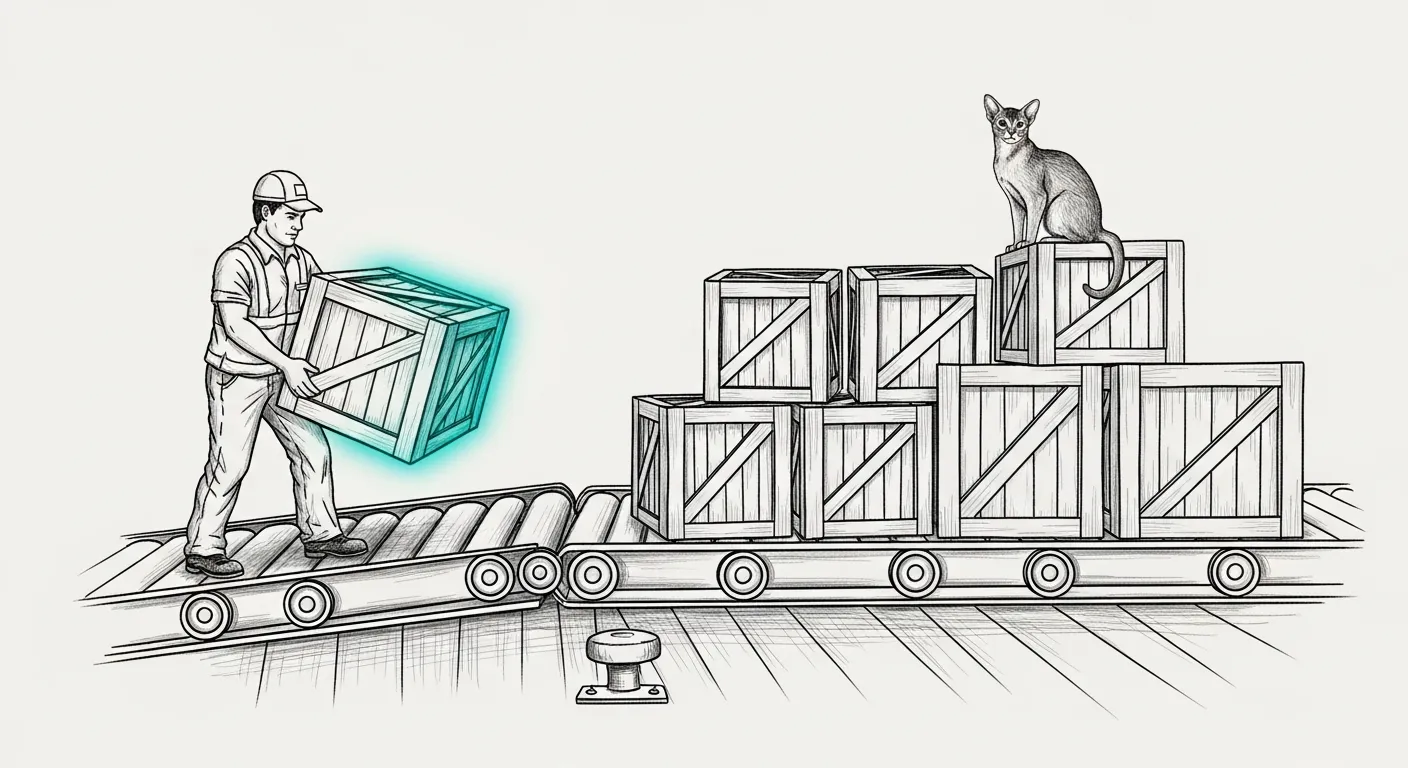
Two sessions on two machines push to the same main inside a minute. Both report success. One of them just took the other’s commit with it, and git said nothing — because as far as git is concerned, nothing went wrong. Tommy the Abyssinian watches this from the top of the crate stack with the flat patience of a creature who has seen humans lose work before and declined to intervene.
Across several machines and sessions, nothing about git stops two of them from landing at once, and the failure is never loud — it looks like a clean push that quietly dropped someone’s work or overwrote it. gitsync is the Durability Doctrine compiled into a script, so nobody has to remember it at 2am.
gitsync -m "message" <path>... # commit those paths, rebase onto origin, pushgitsync --init # apply the safe git config to this clonegitsync --status # show divergence and dirty state, change nothingThe three failures it prevents
Section titled “The three failures it prevents”The ride-along. git add -A in a shared working tree commits whatever another session happened to leave on disk. gitsync refuses to run without an explicit path list, and commits with git commit -o, so a file you did not name cannot ride along even if it is staged.
Merge spaghetti. Every integration is a rebase onto origin/<branch>, with rebase.autostash so another session’s uncommitted work is set aside and restored around it. Shared main stays linear.
The silently-dropped submodule. A submodule-pointer conflict is the one case gitsync will not resolve for you. Both sides look like a one-line change to the same file, so “take mine” is a coin flip that discards a real commit. It stops, prints the fix, and leaves your commit safe on your branch. rerere records whatever you decide and replays it next time.
Installation
Section titled “Installation”The script lives in the machine’s config repo and is reached through a symlink on PATH, so the tracked file is the live file and there is no copy to drift:
| Machine | Tracked at | Reached via |
|---|---|---|
| The Mini | ~/.sanctum/bin/gitsync | already on PATH |
| The MacBook | ~/.sanctum-mbp/bin/gitsync | ~/.local/bin/gitsync symlink |
Both copies must stay byte-identical — same tool, two machines, one behaviour:
shasum -a256 ~/.sanctum-mbp/bin/gitsyncIf those differ, one machine has been patched and the other has not. Fix the drift rather than living with two dialects of the same tool.
Using it inside a submodule
Section titled “Using it inside a submodule”gitsync requires a real branch and stops on a detached HEAD. Submodules are detached by default after git submodule update, so it appears broken in exactly the repo you most want it in. Attach the submodule to its branch first:
-
Fetch the branch you intend to work on.
Terminal window cd ~/Projects/Claude_Code/sanctum-docsgit fetch origin main -
Check out the branch.
Terminal window git checkout main -
Fast-forward it. This step is not optional.
Terminal window git merge --ff-only origin/main
What it does not do
Section titled “What it does not do”It does not resolve conflicts, force-push, or touch anything you did not name. On a conflict it aborts the rebase and leaves your commit intact on your branch — the recovery is always “resolve by hand, re-run gitsync”, never “run it again harder”.
That restraint is the feature. A tool that guesses on a submodule pointer is a tool that eventually guesses wrong, at 2am, on the one commit nobody backed up. gitsync would rather stop and make you look. Tommy, from the top of the stack, approves — carrying one named crate at a time was always the only way he moved through the world too.