

Firewalla Pairing
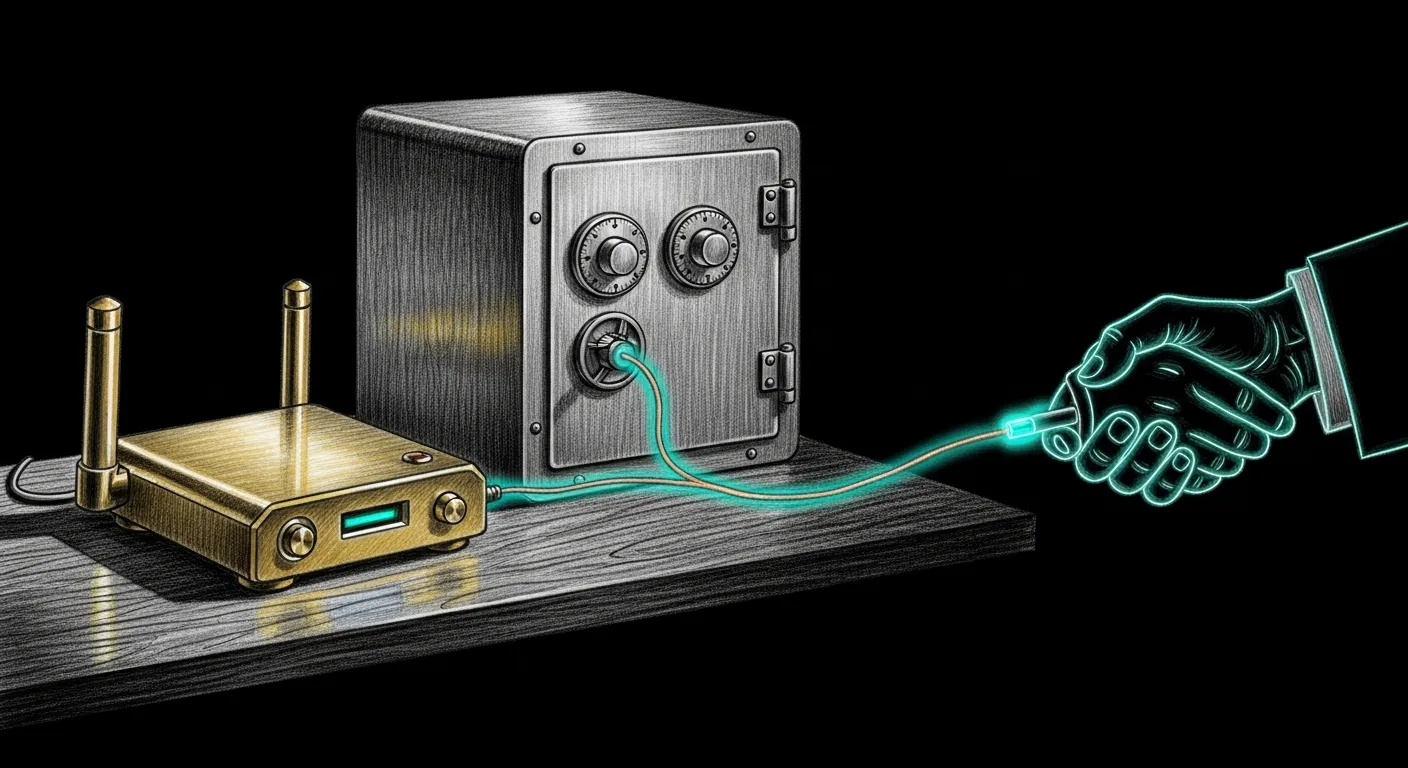
It’s 21:31. Curfew dropped eleven minutes ago, your dashboard swears the kid’s iPad is BLOCKED in cheerful green — and yet there’s lowkey TikTok audio leaking under the bedroom door. The dashboard isn’t lying, exactly. It just asked the wrong oracle.
Here’s the thing: the Firewalla MSP HTTP API is the loud, well-documented front door, and it straight up lies about which devices it actually knows. So Sanctum doesn’t use it. We drive MAC-level enforcement through the node-firewalla SDK instead — the bridge running on your Mac talks to your Firewalla over the SDK’s encrypted P2P protocol. The side door. The one that tells the truth, no cap.
You need to do three things: mint a token, drop in the FWGroup credentials, and restart the bridge. Let’s go.
-
Generate a strong bridge token.
Terminal window TOKEN=$(openssl rand -hex 24)printf '%s' "$TOKEN" > ~/.sanctum/secrets/firewalla-bridge-tokenchmod 600 ~/.sanctum/secrets/firewalla-bridge-tokenThe bridge is run by the LaunchAgent watchdog
com.sanctum.firewalla-bridge-watchdog, and the filesystem secret is the primary store: the wrapper at~/.sanctum/scripts/firewalla-bridge.shreads this file first and only falls back to the Keychain item (-a sanctum -s firewalla-bridge-token) for legacy user-session setups. -
Locate your Firewalla’s FWGroup credentials.
These are the SDK’s actual authentication artifacts — the keys that let the bridge speak to your Firewalla device. They live at
~/.openclaw/firewalla/keys/and the bridge expects four files:Terminal window ls ~/.openclaw/firewalla/keys/# Expected: etp.private.pem etp.public.pem group.json ssh_firewallaIf you have already paired Firewalla using the Firewalla CLI or the official mobile app, copy that pairing’s
keys/directory into place. If you have never paired, follow Firewalla’s first-pair instructions on their site, then copy the resultingkeys/directory here. -
Let the bridge find your Firewalla.
You don’t hand-configure an IP. The bridge discovers the box on its own — env override first (
FIREWALLA_LAN_IP), then the last-known-good in~/.openclaw/firewalla/keys/topology.json, then mDNS (firewalla.home,firewalla.local, and the per-model names). It deliberately refuses to fall back to a hardcoded address: a stale literal would SSH whatever happens to sit at that IP on a re-numbered LAN.If you genuinely need to pin the box — a quiet mDNS network, a VLAN that swallows broadcasts — set
FIREWALLA_LAN_IPin the wrapper’s environment. That’s the one escape hatch, and it’s an env var, not a YAML field. -
Restart the bridge.
Terminal window launchctl kickstart -k gui/$(id -u)/com.sanctum.firewalla-bridge-watchdogThe live service is the gui-domain watchdog
com.sanctum.firewalla-bridge-watchdog, which runs as your login user — nosudo, and thegui/$(id -u)/domain is the one that finds it. -
Verify.
Terminal window curl -s http://127.0.0.1:1984/health | jq '{sdkReady, firewalla: .firewalla.ip, mode: .box.mode}'TOKEN=$(cat ~/.sanctum/secrets/firewalla-bridge-token)curl -s -H "Authorization: Bearer $TOKEN" http://127.0.0.1:1984/hosts | jq '.hosts | length'/healthreturns200to anyone and tells you whether the SDK linked up./hostsis the real test: it demands the bearer token and returns the actual device roster from your Firewalla. A non-zero host count means both halves are honest — the token is accepted and the SDK is talking. A bridge that’s up while the SDK is mute is the worst-case silent failure — green light, zero enforcement — and/hostsis the one call that catches it.
Troubleshooting
Section titled “Troubleshooting”-
/hostsreturns401— the bridge didn’t get your token. Check the filesystem store first:cat ~/.sanctum/secrets/firewalla-bridge-tokenshould print it. If the file is empty or missing, re-run the create step. If you’re on a legacy Keychain setup, confirm the item is under the right account:security find-generic-password -a sanctum -s firewalla-bridge-token -w. Note the account issanctum, not your login user — the wrapper reads-a sanctum, so a token filed under$(whoami)is invisible to it. -
Bridge log shows
[error] GET /hosts: ECONNRESET— the FWGroup credentials in~/.openclaw/firewalla/keys/are stale, or two bridge processes are racing for the same Firewalla. Confirm only one is running:pgrep -fl firewalla-bridge.js. If two,launchctl kickstart -k gui/$(id -u)/com.sanctum.firewalla-bridge-watchdogand let launchd settle the contest. -
You see
periodic check (60s without successful op)in the log — this is the bridge’s rediscovery checker, not a host-query failure signal. It fires when 60s pass with no successful contact and quietly re-runs mDNS to recover a re-IP’d box. Discovery runs separately from your actual/hostscalls and complains about its own clock, not yours. It’s a red herring we deliberately kept loud — ignore it and hunt for real[error]lines instead.
The green light means something now
Section titled “The green light means something now”Go back to 21:31. Same curfew, same bedroom door, same iPad. The difference is that /hosts answered with a real device count before you walked away — so when the dashboard glows BLOCKED, it glows because the box agrees, not because the front door was being polite. That is the whole gap between a dashboard and a lock, and closing it is the entire reason we took the side door.
The bridge you just paired is the muscle. The schedules that decide when to flex it are a story for another page. Tonight, the TikTok stops leaking under the door.