

Seventeen Days of Silent Failure
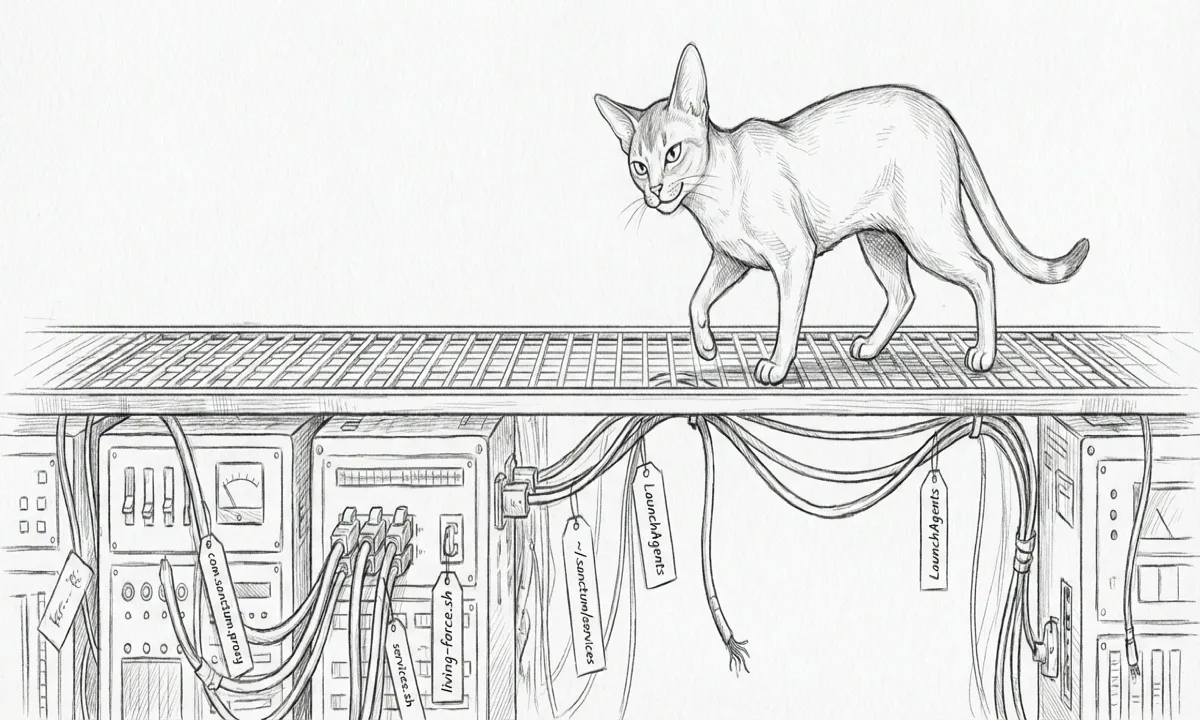
The first apply ran clean on 2026-04-30 at 01:07 UTC. It logged
apply_started, did its work in fifty seconds, logged apply_completed,
and the trifecta declared itself in
sync. We watched the dot go green and moved on.
The second apply was twelve hours later. It logged apply_started. It
never logged apply_completed.
So did the third. So did the fourth. So did every single one for seventeen days. We did not notice, because nothing asked us to.
The lie
Section titled “The lie”The SwiftBar plugin polls the audit log every five minutes. Its logic:
find the most recent event, decide a status from it. For most of the
seventeen days, the most recent event on most refresh ticks was
check_started or check_completed — the daily check ran fine, every
day, and reported nominal counts. The plugin glyph said yellow on the
days the check happened to find drift (it did, twice, on 2026-05-13),
and green on the days it didn’t.
What the plugin never noticed: the daily apply was firing, but no
apply was finishing. The whole point of the daemon — auto-healing drift
without a human in the loop — had been dead since the second-ever run.
Every morning it told us “checked recently.” It was right. It just
wasn’t saying the right thing.
This is exactly what Principle 8 — Honest Health, Honest Commands, from the Living Force — warns against. A system that lies about its health is more dangerous than one that fails. The check kept producing a green light because checks have no write side. The apply kept producing nothing because apply did, and the write side was broken. Tommy, the one agent in this haus with no write side at all, has never once lied about his health — he simply shows up twice a day and files. The daemon showed up and did nothing, and the distinction cost us seventeen days.
The five causes
Section titled “The five causes”Once we finally looked at the apply-side timeline, the audit log read like a hostage note in invisible ink:
2026-04-30T01:07:28Z apply_started count=102026-04-30T01:08:16Z apply_completed changes=02026-04-30T13:30:03Z apply_started count=102026-05-01T13:30:00Z apply_started count=102026-05-02T13:30:03Z apply_started count=10... 14 more apply_started, zero apply_completed ...2026-05-16T19:25:39Z check_started count=102026-05-16T19:26:17Z check_completed drift_count=9, error_count=0Seventeen apply_started. Zero apply_completed. Two drifts on
May 13 had quietly become nine drifts by today. The plugin never went
red.
When we sat Windu and Qui-Gon down over the same log — security and infra, the two seats this incident touches — the forensic dig surfaced five distinct root causes. None of them had shared a diagnosis until they were all in the same room:
-
The plist had no
ExitTimeOut. Under some launchd contexts, the default is twenty seconds. Apply needs more than twenty seconds for ten sequentialop readcalls. Apply was beingSIGKILL-ed mid-write, every day. -
The Lima migration left stale SSH host keys. When the openclaw VM cut over from QEMU to Lima on 2026-05-10, the new VM presented a fresh ed25519 host key.
~/.ssh/known_hostson MBP and onmanoirboth still had the old key on line forty-something.ssh [email protected] 'sops -d ...'returnedHost key verification failed. SOPS reads silently returned MISSING for nine of ten keys; sync.py reported “9 drift” instead of “SSH broken.” -
providers.yamllives in OneDrive.~/Documents/Claude_Code/is OneDrive-synced. Under disk pressure, Files-On-Demand throwsOSError: [Errno 11] Resource deadlock avoided. Python’spathlib.read_text()hangs and then dies. The script never even got to itsop_readcalls — it crashed on config parse. -
The 1Password CLI desktop integration hangs without GUI.
op readwith no service-account token falls back to the desktop app for Touch ID. The desktop app cannot prompt Touch ID from a launchd job. The CLI hangs for sixty seconds and thensubprocessraisesTimeoutExpired. Apply crashes on the first secret. Every day. Silently. -
The plugin canary only watched the check path. All four of the above could have been visible from outside if the plugin’s status logic had asked the obvious question: “is the most recent
apply_startedfollowed by anapply_completed?” It didn’t. So it didn’t notice.
The Resurrection
Section titled “The Resurrection”We fixed them in this order, all permanent (Principle 2 — fix the disease, not the symptom). Qui-Gon owned the first three; Windu owned the two that touch credentials:
ExitTimeOut = 600written into the plist viaplutil -replace.~/.ssh/known_hostson both MBP andmanoirhad the stale10.10.10.10entry removed and the fresh ed25519 key re-accepted. The verifierssh manoir "ssh [email protected] 'whoami'"returnsubuntuagain.providers.yamlcopied to~/.sanctum/secret-rotator/providers.yaml(non-OneDrive).sync.pyandrotate.pygrew a tiny_find_providers_yaml()helper that prefers the canonical non-OneDrive location and falls back to the in-repo copy for dev.- 1Password Service Accounts are a Teams/Business-tier feature. The
source-of-truth account
my.1password.comis Families — no SA available. The sister accountwork.1password.comis Teams — SA is available. So: a newSanctumvault on triptyq, nine items migrated (with byte-for-byte credential round-trip verify per item), one service accountsanctum-secrets-syncscoped toSanctum:read_items, an 826-character token in keychain atservice=op-service-account-token, account=sanctum, and a tiny wrapper at~/.sanctum/bin/sanctum-secrets-sync.shthat reads the token out of keychain, pre-warmsop whoami, exportsOP_SERVICE_ACCOUNT_TOKEN, andexecssync.py. Plist now points at the wrapper. - Plugin grew two new statuses:
apply_hung(apply_started more than an hour ago withoutapply_completed) anddrift_unhealed(drift present and no successful apply in twenty-six hours). Both go red.
Our final test was a launchctl kickstart -k. Apply started at
20:10:20. Apply completed at 20:10:51. Plist exit code zero. Plugin
went green. The daemon now works headless — the same
secret-rotation loop, minus the part
where it quietly did nothing.
What we kept
Section titled “What we kept”The original nine items remain in my.1password.com/Private/Manoir - *,
untouched. The migration wrote new items into the Sanctum vault; it did
not delete originals. Principle 6 — don’t burn the boats while
crossing. We delete the originals after two or three successful daily
cron fires confirm the new path holds. Probably 2026-05-19.
What the plugin shows now
Section titled “What the plugin shows now”A green dot. All 10 secrets in sync — checked 1s ago.
Tomorrow at 09:30 local, the daily plist will fire on its own. The
wrapper will pull the token from keychain, warm op, and run apply. If
everything is sync’d, apply_completed will land with changes: 0. If
anything drifted overnight, the changes count will reflect it. Either
way, the audit log will have both a apply_started and a matching
apply_completed, with the gap under a minute, like it did on day one.
The seam this leaves
Section titled “The seam this leaves”sync.py and rotate.py themselves still live in OneDrive. They
imported fine throughout the incident because Python caches .pyc
files outside the source path. But the same OneDrive deadlock that
killed providers.yaml could theoretically hit them too, under enough
pressure. The honest fix is to migrate the whole tools/secret-rotator/
directory out of OneDrive. Deferred — Principle 4, deploy at human
speed. The trifecta is healthy; this is structural cleanup, not a
fire.
The other seam is one Windu flagged before we called it done: there is
now an 826-character secret in macOS Keychain that authorizes read
access to nine production secrets. The keychain ACL grants only
/usr/bin/security and /opt/homebrew/bin/op. The wrapper is
shell-executed by launchd with the user’s standard permissions. If the
user account is compromised, the token reads nine secrets. This is the
same blast radius as a compromised account with 1Password Desktop
unlocked — no worse, just different — and the service account can be
revoked from the triptyq admin UI with a single click without touching
anything else. Acceptable risk, on the record, eyes open.
Field note from the operator’s seat. The daemon was lying for seventeen days, and it lied in the one language we had taught ourselves not to read. We taught the plugin two new words. The next time it lies, it will have to find a mask we haven’t named yet — and Tommy, who has never needed a write side to be trusted, will still be filing his report while we look.