

2026-06-15: The Slash-One That Ate the LAN
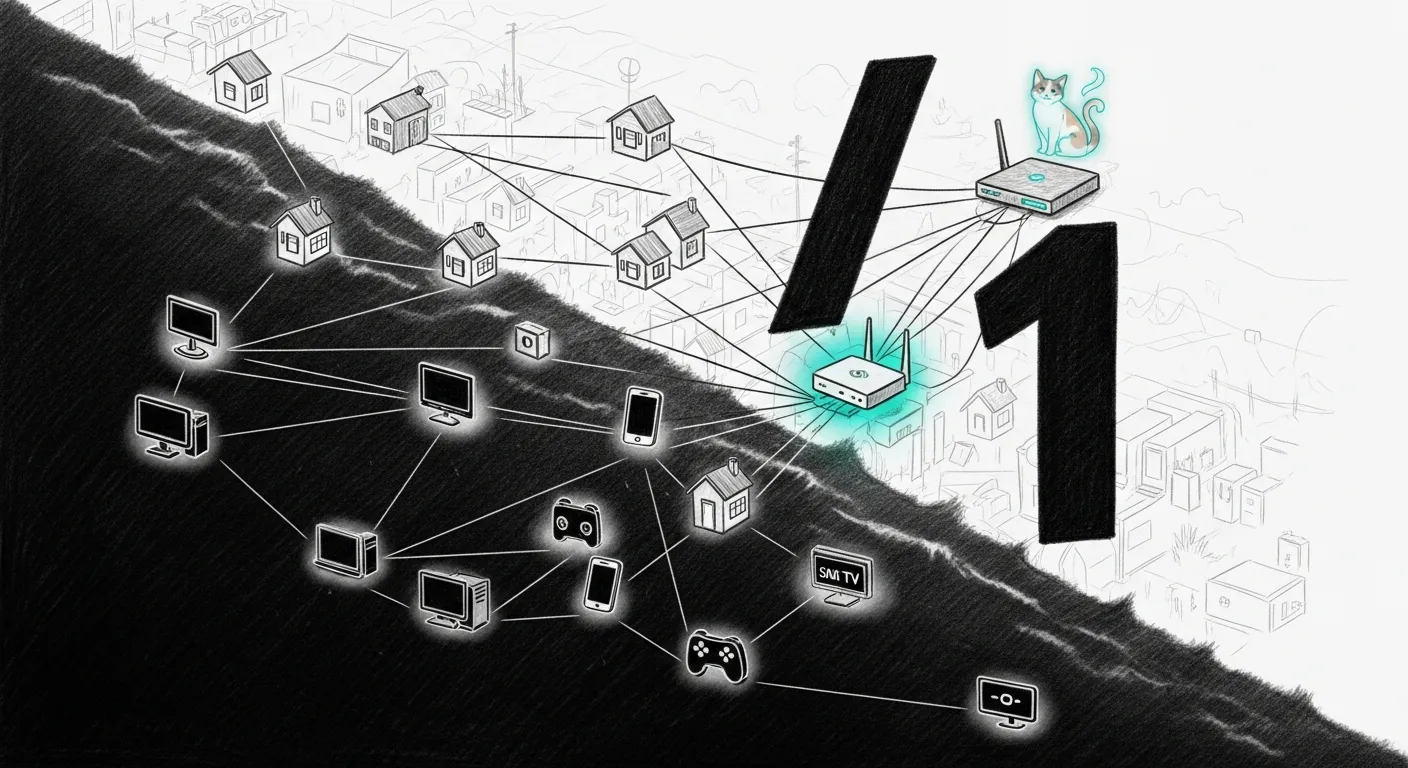
The plan was one line: move the public IP off Bell’s hub and onto the Firewalla. Double-NAT to single-NAT. Textbook. The execution went sideways in minutes. The haus dropped onto the bare ISP Wi-Fi, the LAN behind the Firewalla handed out DHCP leases that went nowhere, and every device that mattered quietly roamed back to the exact gateway it was supposed to be hiding behind. We had made the network worse by making it correct — the single-NAT cutover that reads like a five-minute chore and isn’t.
The suspect who confessed too easily
Section titled “The suspect who confessed too easily”The Firewalla app handed us a suspect on a plate. It flagged a subnet conflict
between the OpenVPN server and the LAN — both sitting in 10.x. Tidy. Plausible.
Wrong. The OpenVPN subnet was 10.225.48.0/24 and the LAN was 10.0.0.0/24:
different /24s that do not overlap each other at all. We turned the VPN server
off, exactly as the theory demanded, and nothing changed. A clean confession from
the wrong man.
Read the whole sentence
Section titled “Read the whole sentence”The real weapon was in the same alert, one clause up, waiting for anyone who
read past the headline: IPS1 (76.71.245.241/1). A /1. The WAN netmask was
128.0.0.0 — a single bit. That makes the “local” subnet 0.0.0.0/1: every
address from 0.0.0.0 to 127.255.255.255 — half the routable internet, quietly
declared to be next door.
Bell does this on purpose. Advanced DMZ pairs a public 76.x IP with a 10.x
carrier gateway (10.11.17.1), and the only netmask wide enough to put a 76
and a 10 on the same wire is /1. The side effect is brutal: that /1
swallows the entire 10.x LAN. The Firewalla saw its WAN and its LAN as one
subnet and refused to route between them. Packets to 1.1.1.1? It decided
1.1.1.1 was a neighbour on the WAN, ARPed for it, and dropped into silence.
There is no fixing the /1 — it is mandatory for the gateway to be reachable.
So we rolled back: disabled Advanced DMZ through the hub’s own Sagemcom JSON API,
and the Firewalla, finding its public lease gone, re-DHCPed itself back to a sane
192.168.2.10/24. Double-NAT. Known-good. The network that worked yesterday.
When something that worked breaks, you diff the working twin
and back out the change — you don’t invent new physics.
The second bug wearing the same trenchcoat
Section titled “The second bug wearing the same trenchcoat”And then it still didn’t work. The WAN was healthy, the box reached the
internet — but LAN clients got a lease and no web. This is where ping lies to you.
ICMP to 1.1.1.1 passed. HTTPS to it timed out. A DF-ping told the truth: a
1492-byte packet went through, a 1500-byte one did not.
The path MTU was 1492; the new Gold Pro’s WAN was set to 1500 with no MSS clamp. Bell’s network — fibre, GPON, all of it — carries 1492. Every small packet sailed; every TLS handshake and every real web page hit the eight-byte cliff and vanished. Pings are small. The internet is not.
MTU to 1492, clamp the MSS, and the web came back — Netflix and all. Two bugs
wearing one trenchcoat: a /1 that ate the LAN and a 1492 that ate the large
packets, stacked so the second hid behind the first until the first was gone.
The lesson didn’t stay in a postmortem
Section titled “The lesson didn’t stay in a postmortem”It went into the wizard, so you never have to earn it the way we did.
sanctum net optimize now refuses to walk a
Bell user into the /1 trap: it checks the LAN subnet first, warns that Advanced
DMZ is incompatible with a 10.x LAN, and offers the PPPoE-passthrough path that
keeps the LAN exactly where it is. It sets the WAN MTU to 1492 as a named step,
and a classify_mtu check catches the black-hole where ping passes and the web
does not. The Giga Hub 2.0’s missing bridge mode — Bell removed it in firmware
2.13 — is in the gotchas, so nobody hunts for a toggle that no longer exists.
One /1 and one 1492, stacked so the second hid behind the first — and the
network that broke was the one we had just made technically correct. The wizard
remembers so you don’t have to.