

Service Principal (wave-1)
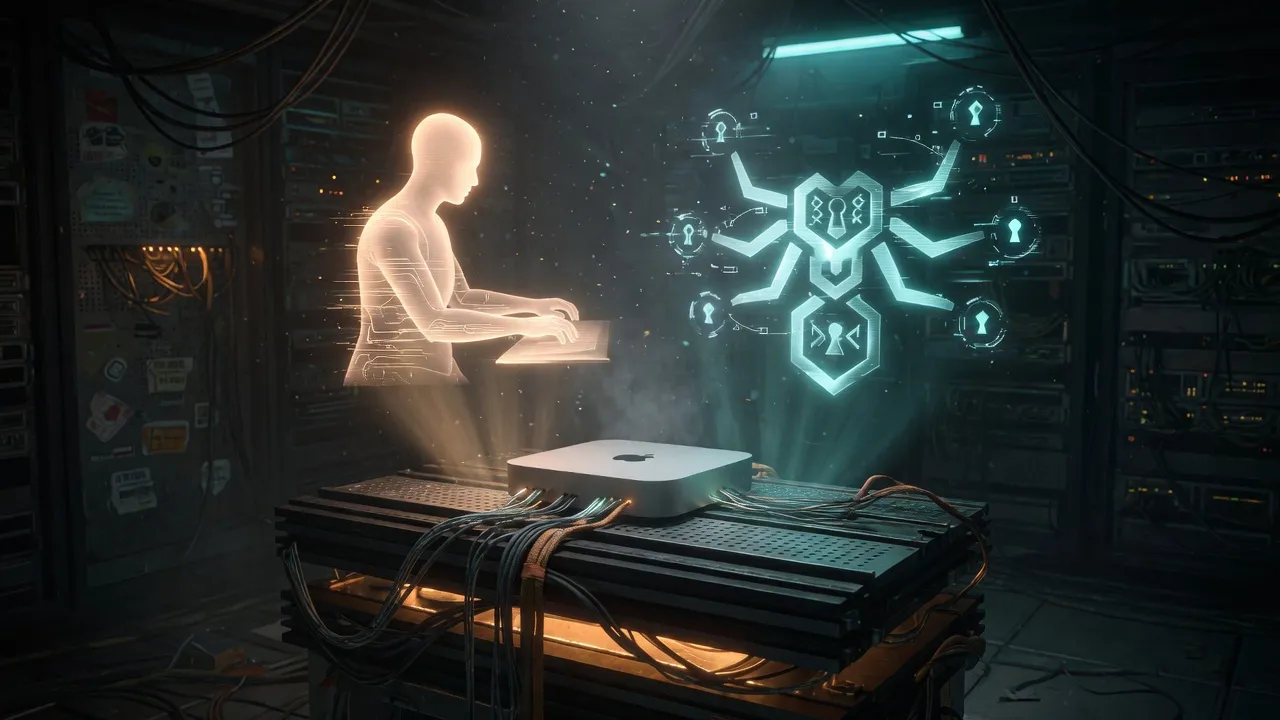
A hub Mac Mini is two jobs wearing one chassis: the aluminum brick that runs the hive, and the desk where you also open Terminal and argue with a spreadsheet. For a long time those jobs shared one login session. Logout, Jump disconnect, or a thrashing iCloud daemon, and the control plane shared the blast radius. Wave-1 ends that co-tenancy without turning macOS features off and without asking you to stop working on the Mini.
The fix is a service principal — local user sanctum — and three system LaunchDaemons that run as that user: proxyd, force-flow, and memory-vault. Your interactive account stays the daily driver. The hive brain clocks in under a different UID.
How it works
Section titled “How it works”| Layer | Owner | Survives GUI logout? |
|---|---|---|
| proxyd (:4040 TLS) | sanctum | Yes — system LaunchDaemon |
| Force Flow (:4077) | sanctum | Yes |
| Memory Vault (:42069) | sanctum | Yes |
| Mail / calendar / personal agents | your login | No (and that is correct) |
LaunchDaemons live under /Library/LaunchDaemons/ with UserName=sanctum. LaunchAgents under the service user are deliberately not the model — those need a login session we refuse to auto-open.
Path compatibility for wave-1: process identity is sanctum, but HOME still points at the operator home so existing launch wrappers that resolve $HOME/.sanctum/... keep working. Group sanctum gets read on config and secrets, write on state/logs/memory. Parent ~/.openclaw must be group-executable or Force Flow cannot create its log directory — a small permission detail that looks like a daemon crash until you see Permission denied on mkdir.
Install (part of sanctum-cli)
Section titled “Install (part of sanctum-cli)”The public install path is the CLI, not a pile of one-off shell history.
-
Haus operator recipe (new hub) ends with a service-principal gate:
Terminal window sanctum onboard --recipe operatorFamily Pass (
--recipe family) does not install the service user — CLI-only installs have no proxyd/Force Flow stack to isolate. -
Or install explicitly on an existing hub:
Terminal window sanctum service-user installSelf-contained in the CLI package (plists + install logic). One admin password creates user/group
sanctum, ACLs, and wave-1 LaunchDaemons — no pre-synced sanctum-config required. -
Verify:
Terminal window sanctum service-user statussanctum service-user check # exit 1 if unhealthysanctum self-test --only servicesanctum doctor
Satellite sibling (chalet)
Section titled “Satellite sibling (chalet)”Hub wave-1 is not what you run on Ahsoka’s M1. The satellite got the same policy (service principal) with a different install surface on 2026-08-07:
- Create user
sanctum, group-share operator~/.sanctum - Migrate always-on LaunchDaemons (brain, bridge, screen-time, heartbeat, …) to
UserName=sanctum - Leave
chalet-watchdogroot; leave GUI LaunchAgents on the operator - Do not install hub proxyd / force-flow / memory-vault on the satellite
Script: council-autoresearch/campaign/ahsoka/chalet-harness/install-chalet-service-user.sh. Field note: Ahsoka cathedral on the edge. The brain itself is now sanctum-mlx (Qwen2), not Python mlx_lm.
What this is not
Section titled “What this is not”It is not “turn off iCloud Drive.” Residual FileProvider churn on a personal Apple ID is weather; alert on Force Flow / proxyd / vault, not on fseventsd CPU. The half-hourly “wedge” was not weather. It was our watchdog. It is not a second Mini. You keep working on the hub; the control plane simply no longer shares your session’s fate.
Rollback
Section titled “Rollback”sudo ~/.sanctum/scripts/service-user/rollback-wave1.shRestores bert-owned daemons from .pre-wave1 snapshots when present and re-enables the disabled user LaunchAgents.
Related
Section titled “Related”- Services — full catalog
- Sanctum Proxy — proxyd
- Force Flow — notice hub
- Memory Vault — cross-session inbox
- Field note: 2026-08-07 — Service principal wave-1